
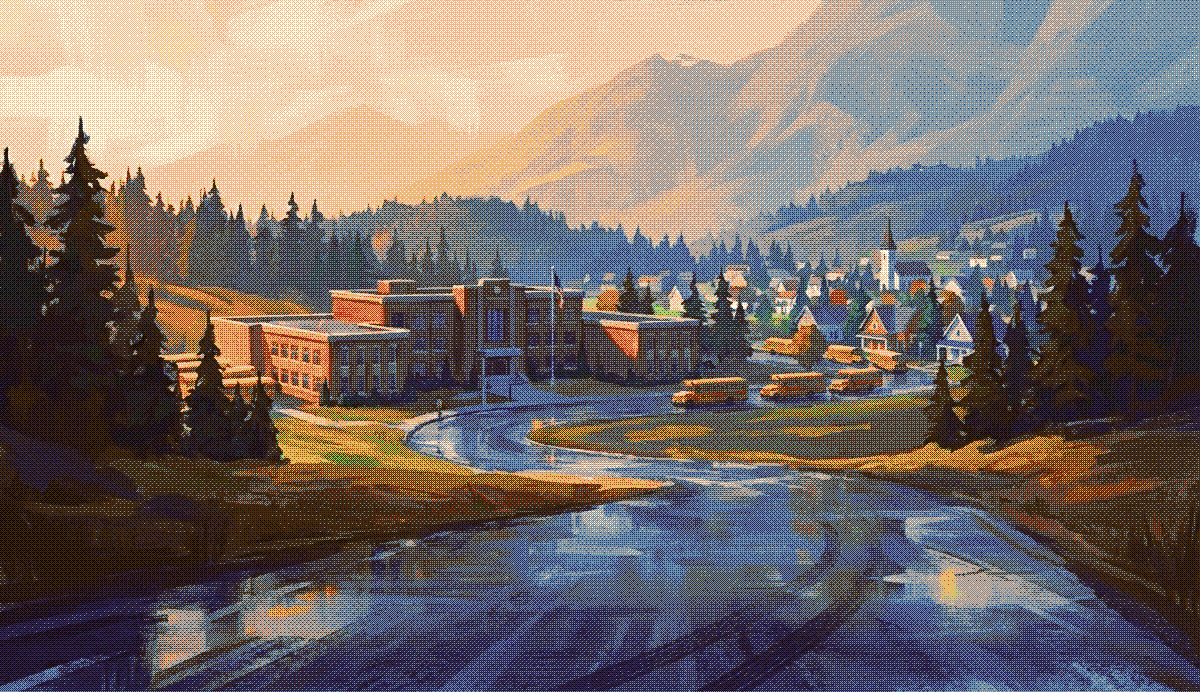
Hello BusRight team!
My name is Ryan Allen. I’m a longtime designer, product person, and advocate for school bus people. I spent over 8 years on SMARTtag's team in Austin, Texas.
I’m sharing a few recent projects that bring together my experience in school transportation, product design, and software development.
I’d love to explore how that experience could contribute to the BusRight team. Here’s a look at my background, how I approach the work, and what I’ve been building.
Some of the things I’ve worked on over the years…
- Turn-by-turn navigation
- Student boarding
- Seating charts
- Pre-trip inspections
- Air brake tests
- Bus breakdown tools
- On-route incident reporting
- Real-time notifications
- Driver alerts
- Student alerts
- Parent alerts
- Fleet tracking
- Live student tracking
- Route coverage tools
- Bus route planning
- Route optimization
- Data integration tools
- Campus card printing
- Batch card printing
- Campus dismissal tools
- Year-end headcount reports
- Parent apps
- Parent stop lookup
My story
I started driving school buses in Texas while learning design and software development. Behind the wheel, I learned how routes work, what makes a good dispatcher, and what drivers need to get through the day.
At Lake Travis ISD, I drove with a tablet on my bus for the first time. I also became the district’s full-time SMARTtag administrator, leading its first year of implementation. That gave me a new perspective: I was both using the system and responsible for making it work.
A year later, I joined SMARTtag as one of its first outside hires. After several years leading customer success, I moved into design and development, bringing the district’s perspective into the products we built.
For more than eight years, I worked alongside drivers, routers, monitors, dispatchers, and transportation directors through hands-on research, user interviews, and prototyping.
- I gathered their feedback and worked with our internal team to shape SMARTtag’s products around their needs.
- I kept their staffing shortages, time pressure, and daily challenges at the center of my work—advocating for them within design and engineering, and for simple, intuitive tools that save time.
- I collaborated with our internal and offshore development teams to improve SMARTtag’s products.
Now, in 2026, I’m using the latest design and development tools to rethink how teams design and build software. I’ve developed my own approaches to prototyping and gathering feedback on new tools and features.
I use design systems to give development teams shared components and patterns, helping them ship consistently designed products across each of their platforms.
Live Dispatch & Coverage Tools
Compare runs and their upcoming stops side by side to help coordinate coverage.
Combine routes.
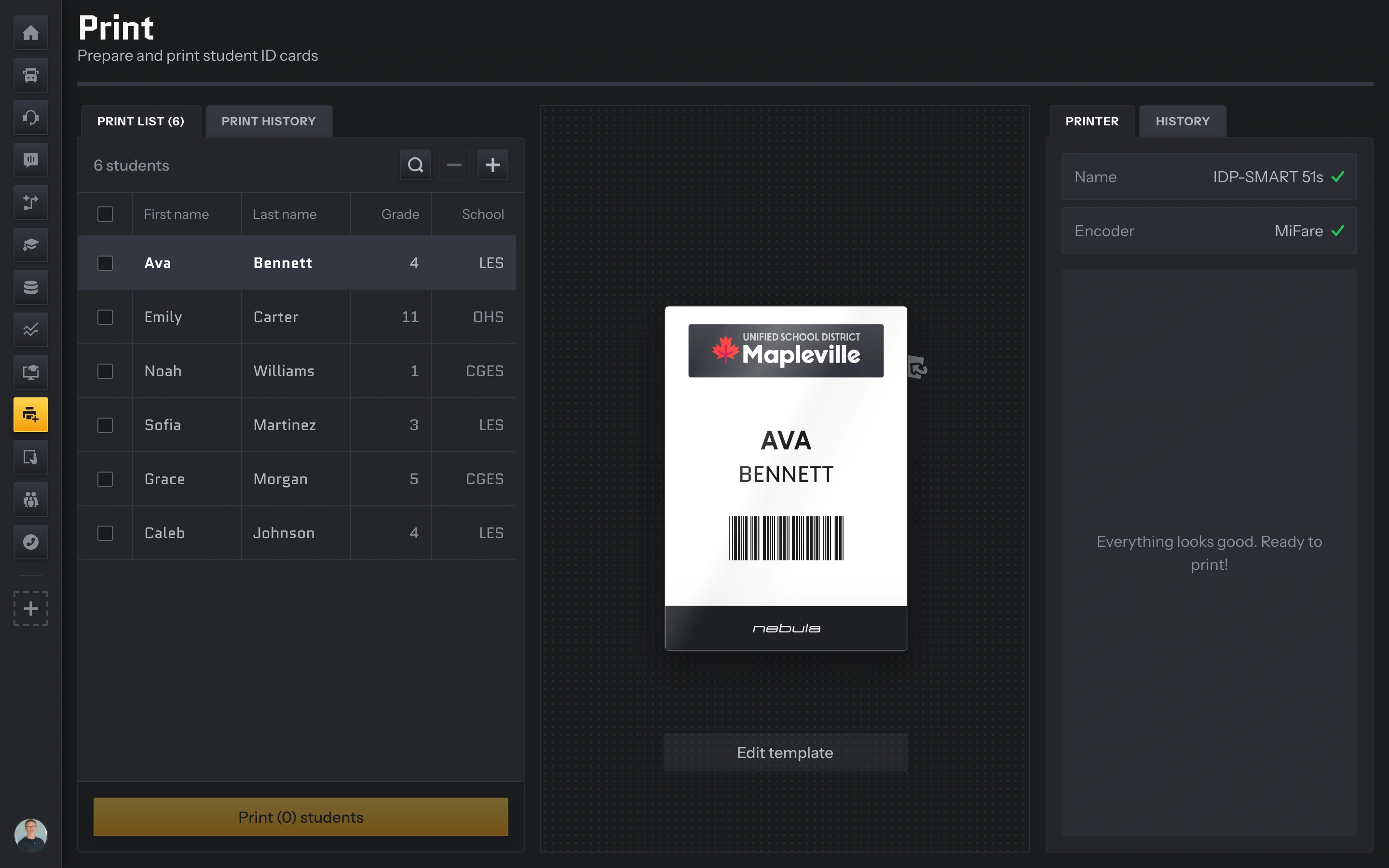
Straightforward card printing
Schools needed one easy-to-install application that could print a badge, encode its RFID tag, and register it with the student record. No separate uploads, API connections, or spreadsheets of RFID and barcode data to manage.
Giving individual schools the ability to print meant student IDs, bus passes, and bus badges could be issued that day, instead of waiting for a central office. Quickly printing a single card matters just as much as batch printing over the summer, so the interface needs to make both straightforward.
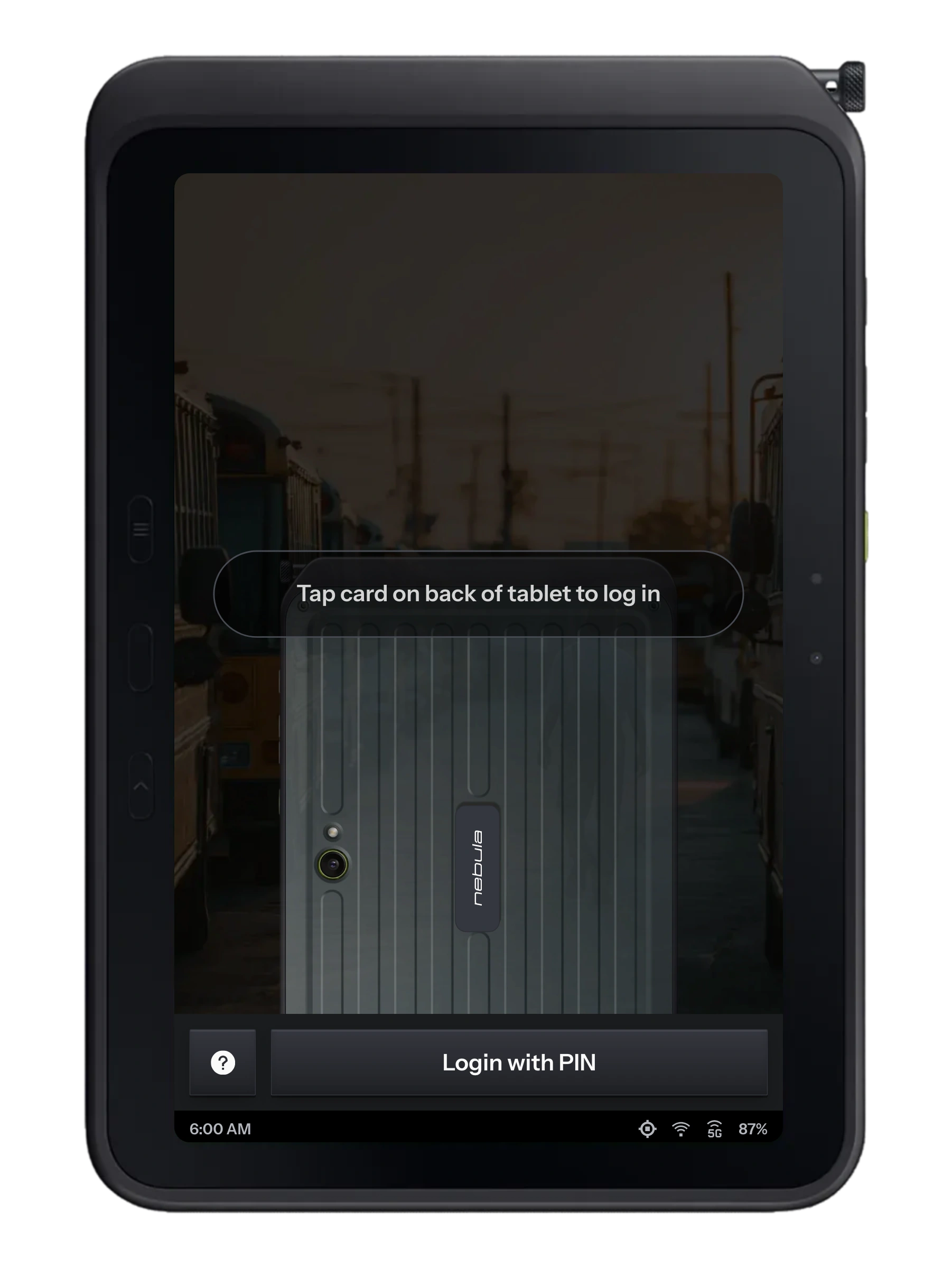
A driver’s first impressions matter
- Drivers need straightforward directions and a clear next step.
- Large tap targets make everyday actions easier on a tablet.
- Automating routine steps and pre-filling a driver’s upcoming routes makes a big difference.
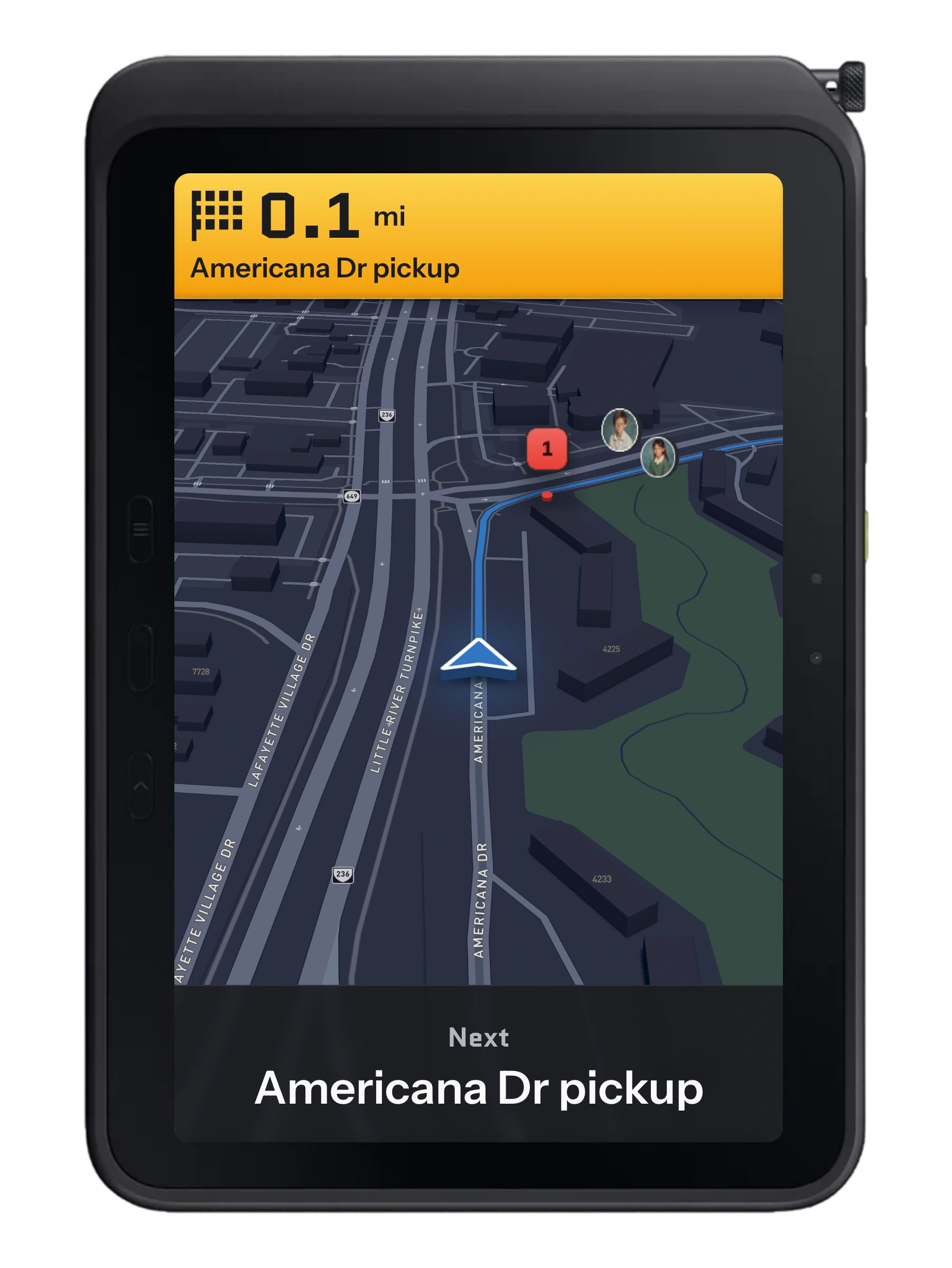
Keep the next step clear.
Between stops, the driver needs the next turn and the next pickup at a glance. Drive Mode brings the route, directions, and upcoming students into one focused view.
This working demo follows a simulated morning run. The map follows the bus, the view changes as it reaches a pickup, and the student roster becomes available once the bus is stopped.
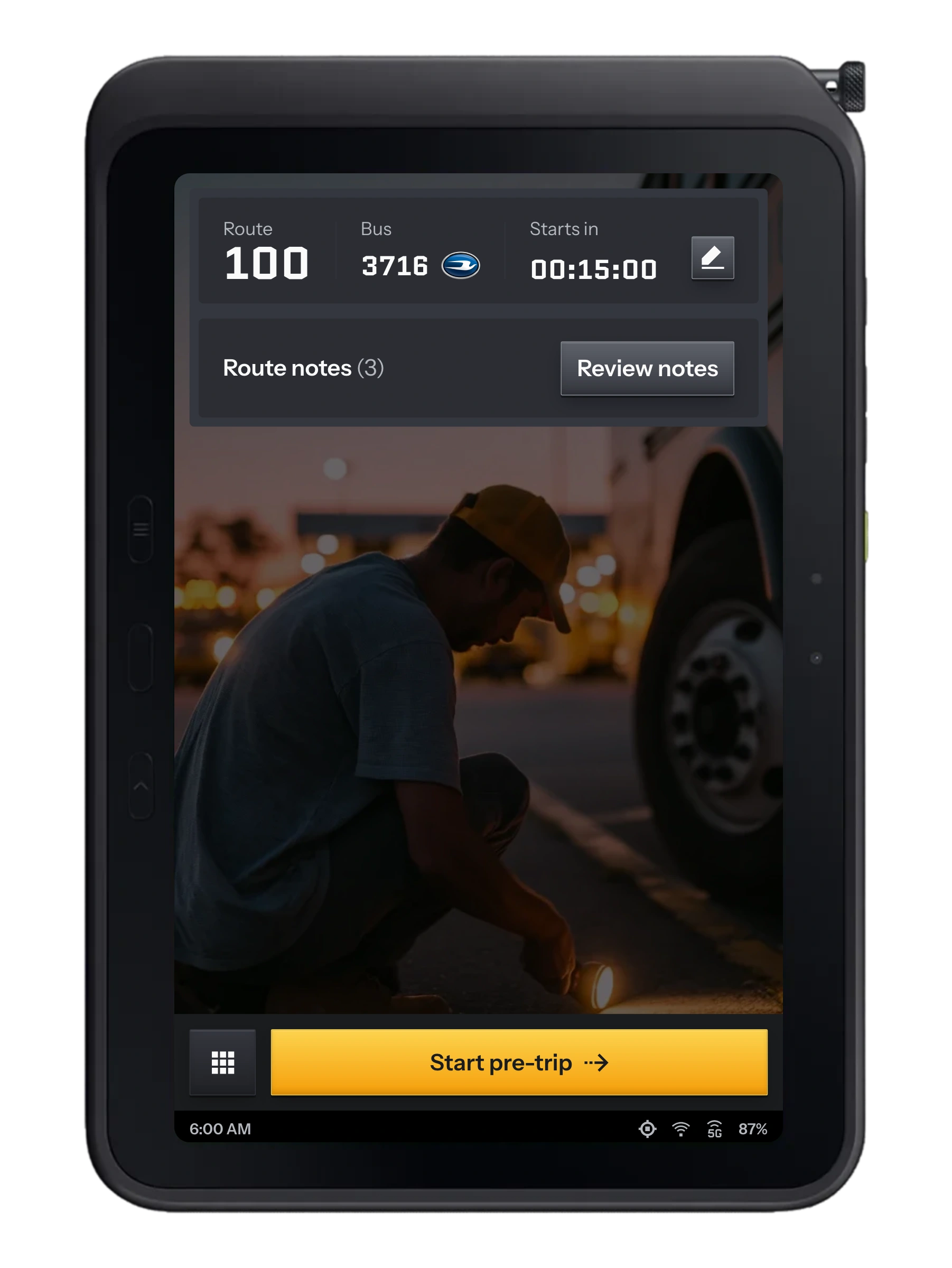
Know the run before it begins.
Drivers need easy-to-use tools that help them understand every part of their route before they set off.
For substitute drivers and anyone covering an unfamiliar route, having student details, stop notes, and clear directions in one place makes it easier to prepare.
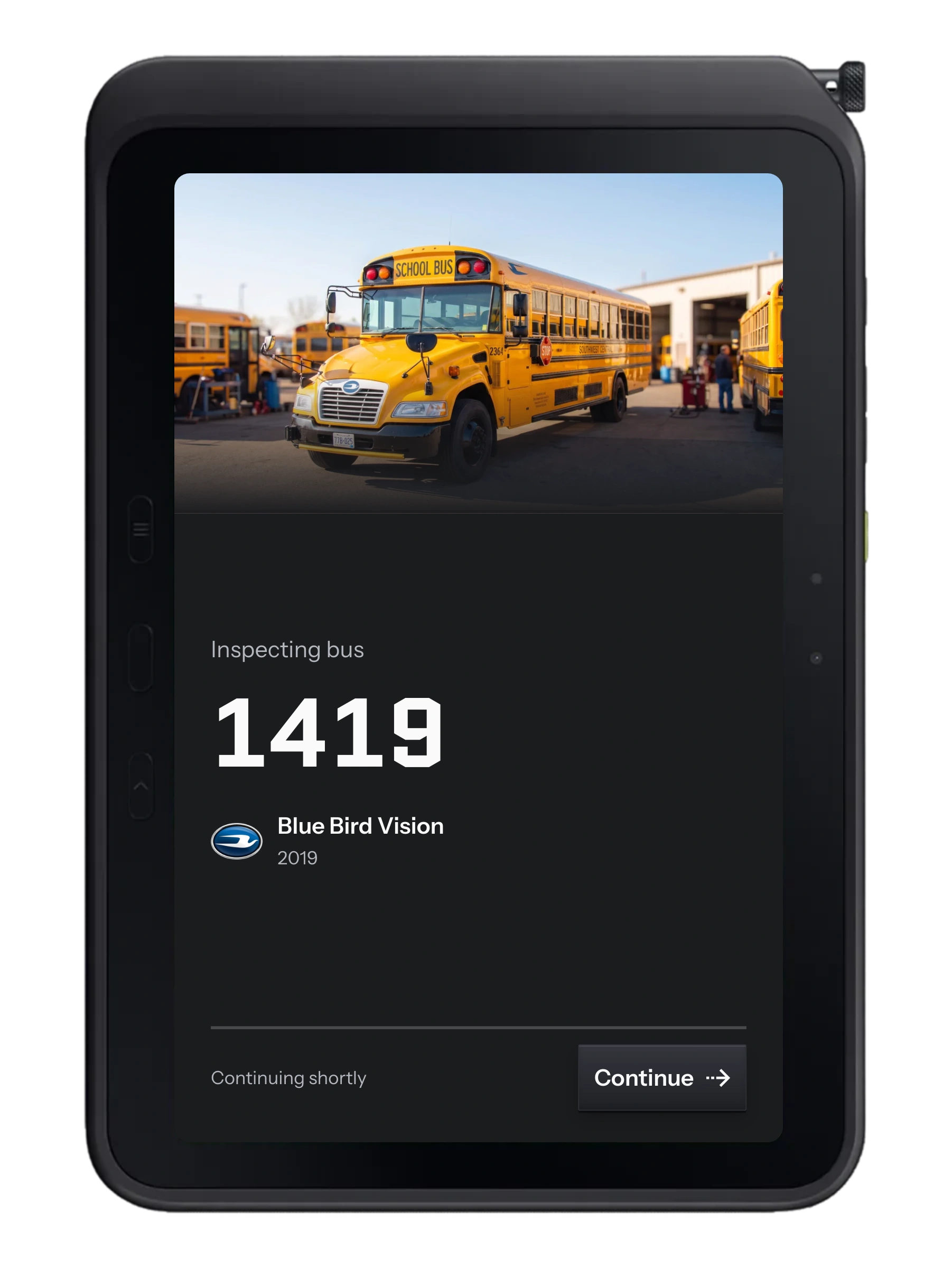
Give each check the attention it needs.
A pre-trip inspection asks the driver to move between the screen and the bus itself. The interface should help them keep their place.
This flow breaks the inspection into manageable steps, with illustrations, defect reporting, notes, and a review before completion.
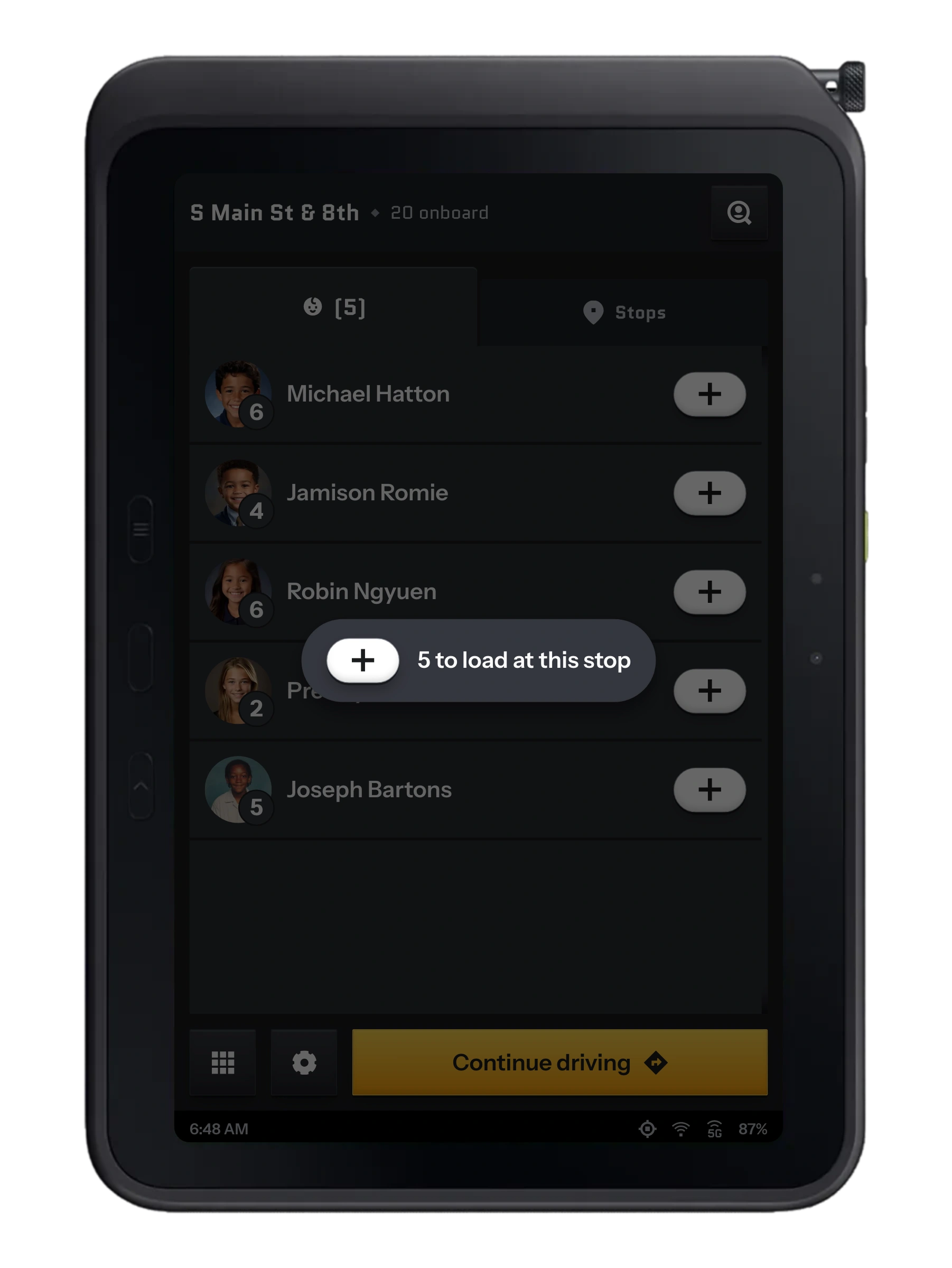
At the stop, the students come first.
When the bus stops, the driver’s task changes. The screen brings the students, stop information, and boarding actions forward.
Student photos and readable grade badges help with recognition. Boarding updates the list and onboard count, while the driving screen stays focused on the next part of the run.
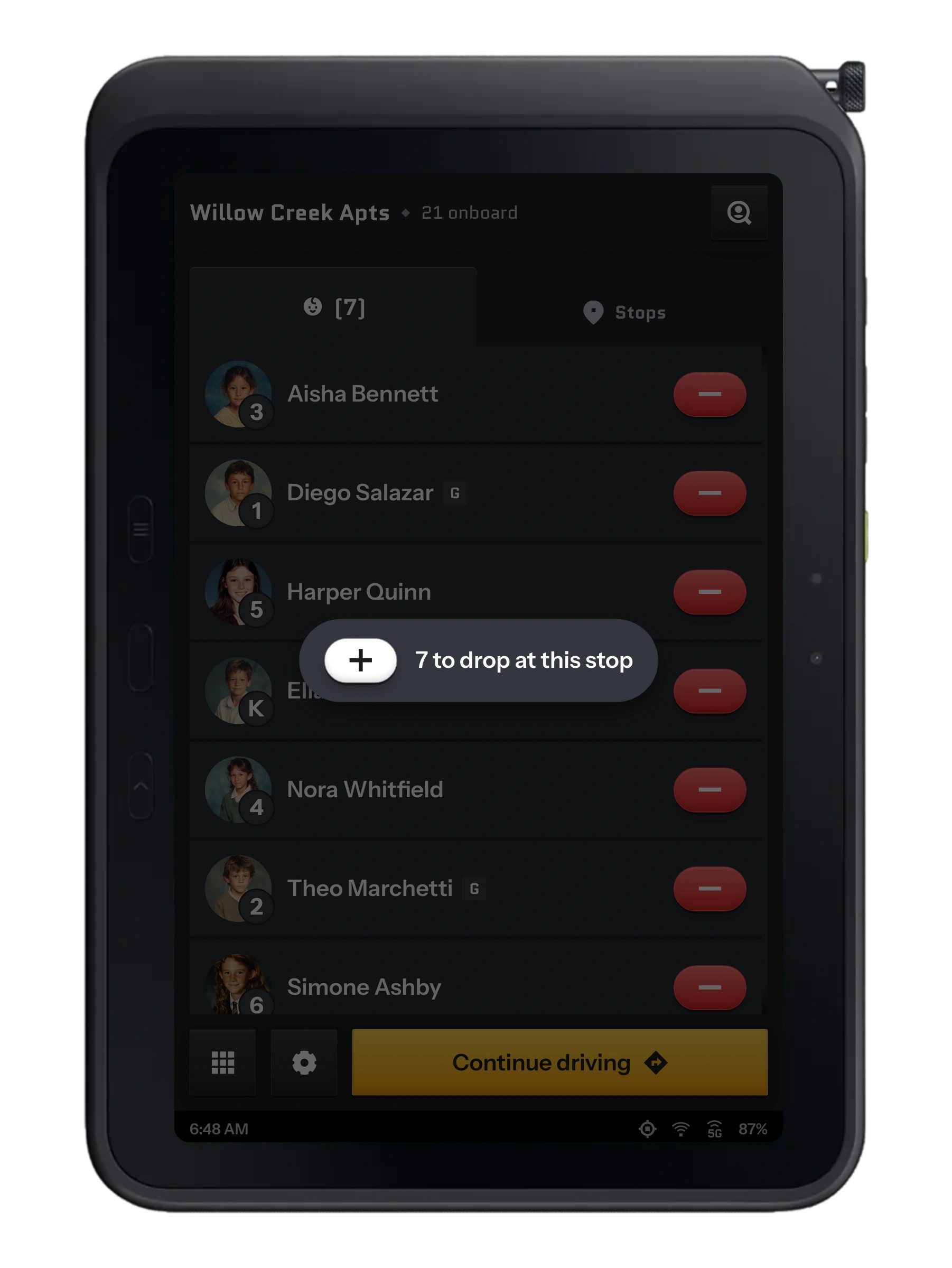
The ride ends with a clear handoff.
At the afternoon stop, the important question is who is leaving the bus and whether a guardian is required.
The release badge makes that requirement visible beside the student’s name. Confirmed unloads leave the active list, so the driver can focus on the students still aboard.
Thank you!
I love building products for people in the school bus industry and I'd love to be a part of your team to continue to do this work. I hope to hear from you soon.
Washington, D.C.